
Downloading your Timelapse Video
You are able to download your timelapse videos. You can also download just part of your timelapse by using our side-by-side comparison tool first and then following the steps below.
To download your timelapse video:
1) Click on to your timelapse and scroll down to the 'Download video' button on the right-hand side, below the timelapse video.
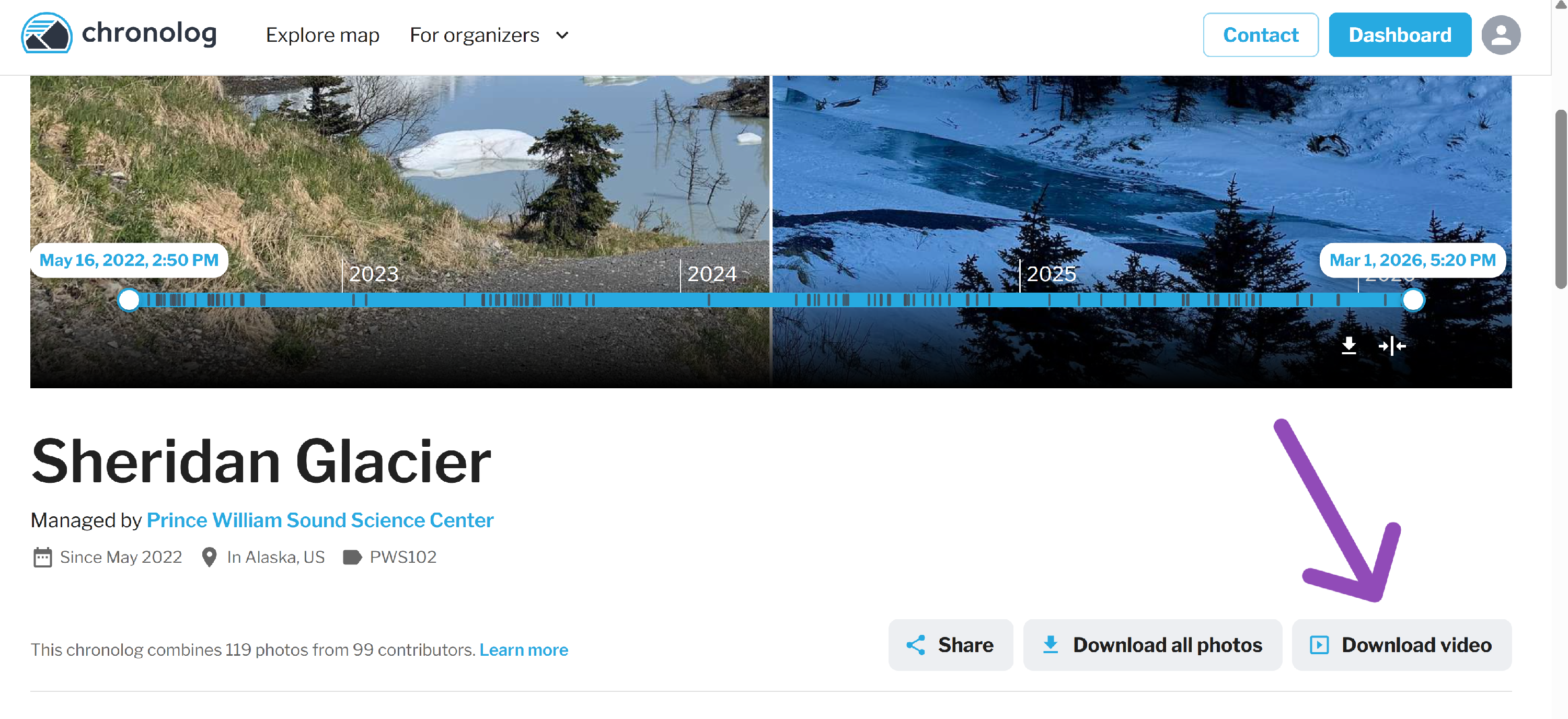
2) Click the 'Download video' button and a box will pop-up.
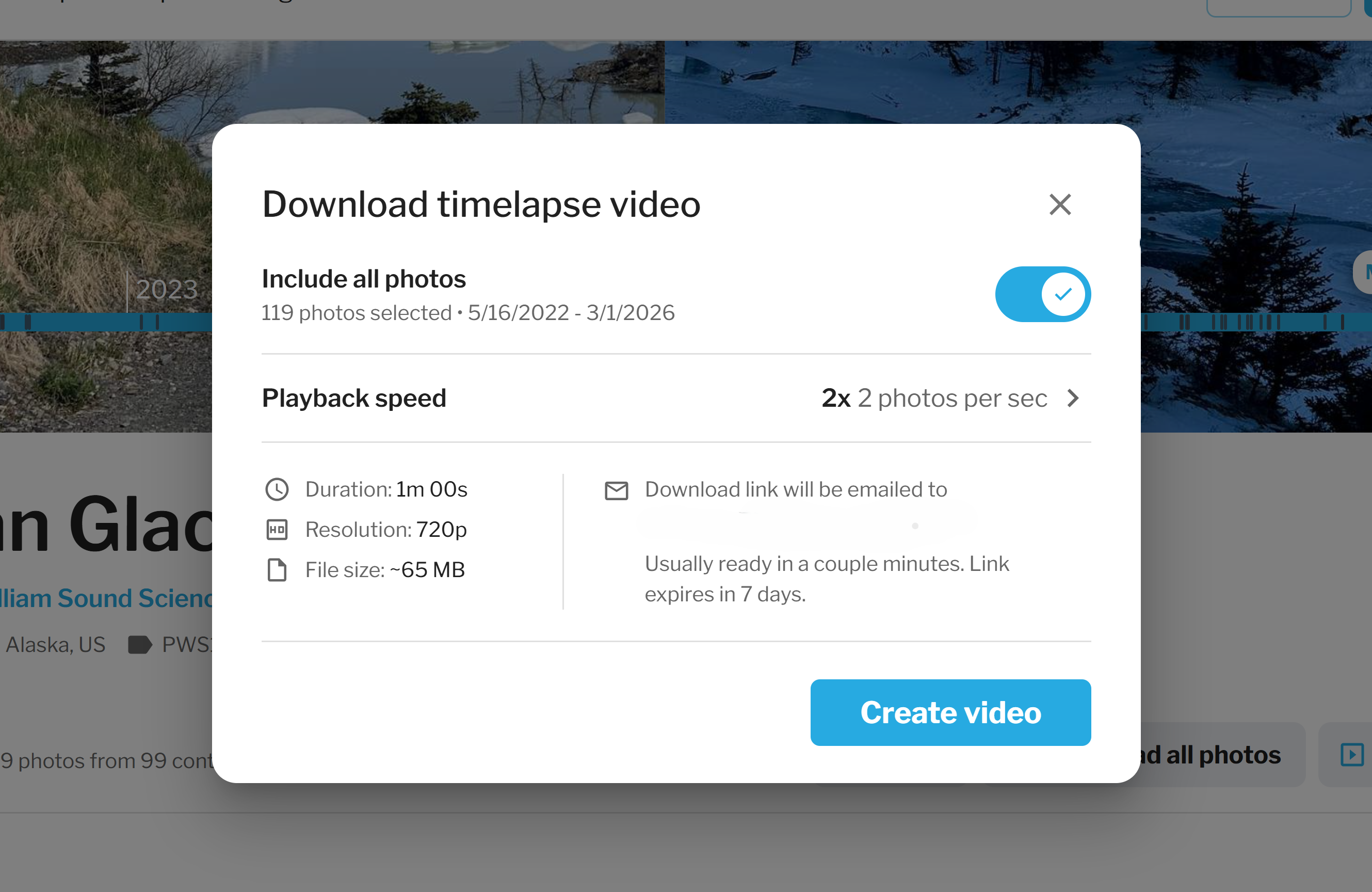
- From here you can:
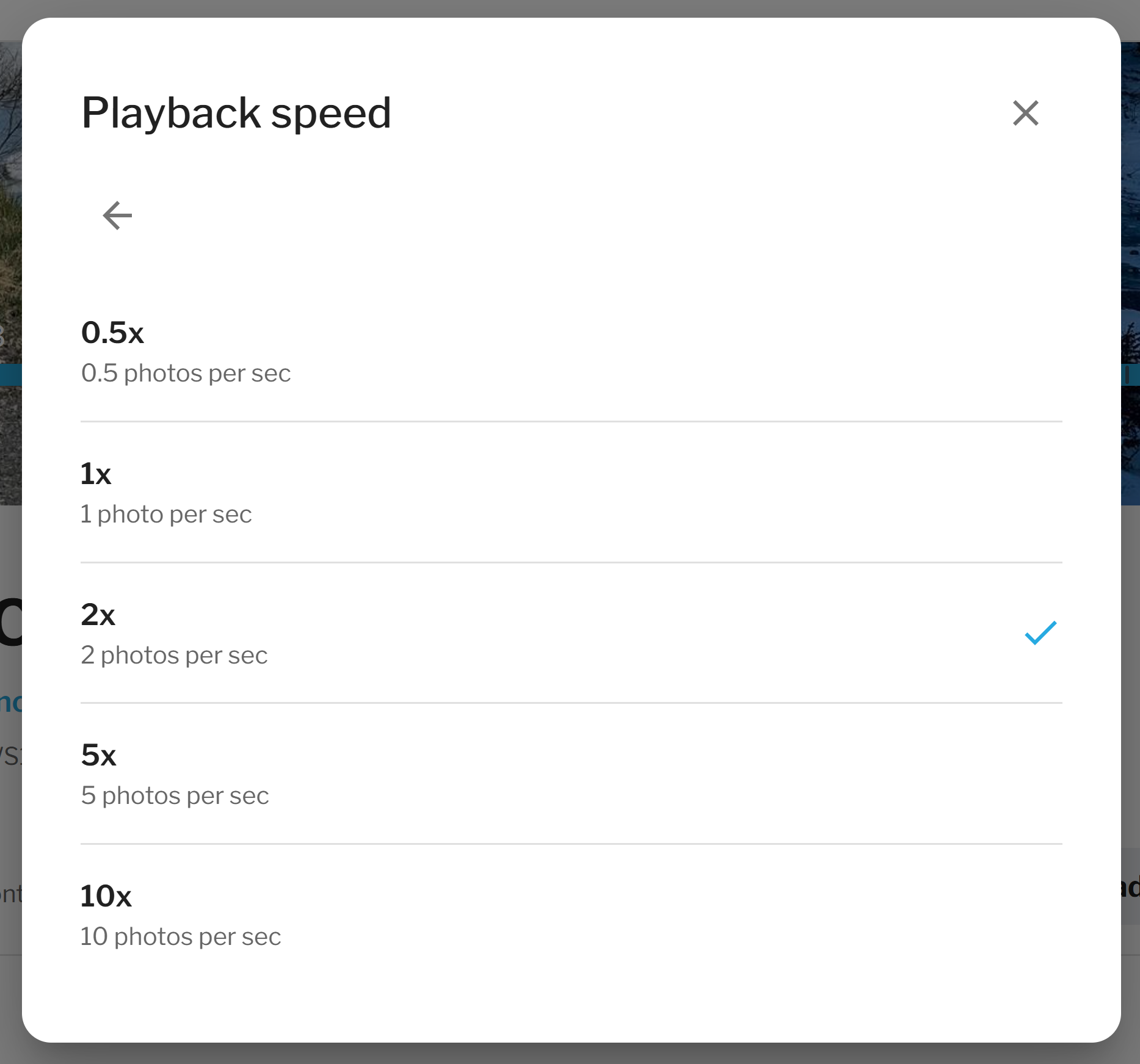
- Adjust the playback speed to either slow down or speed up your video.
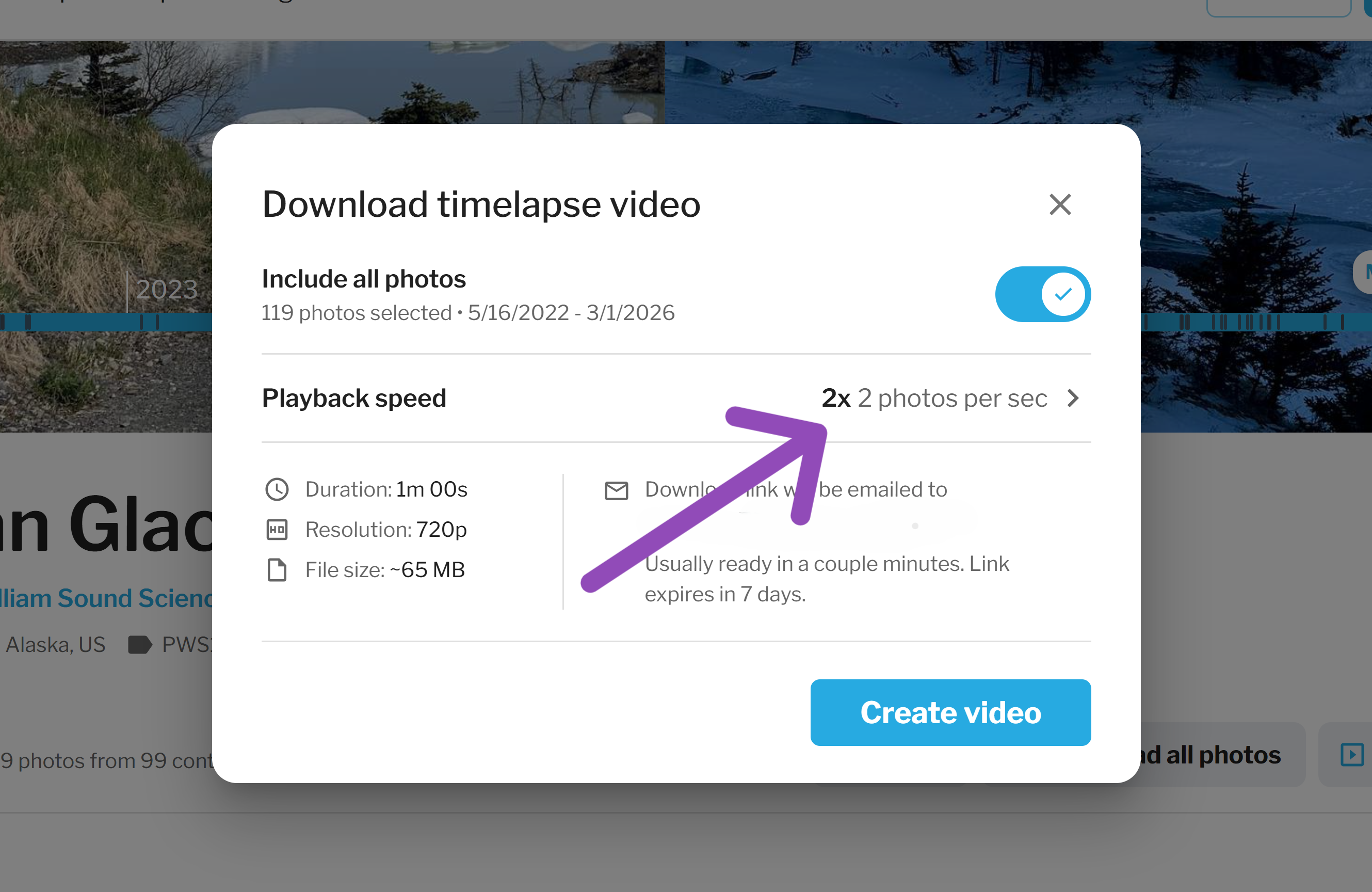
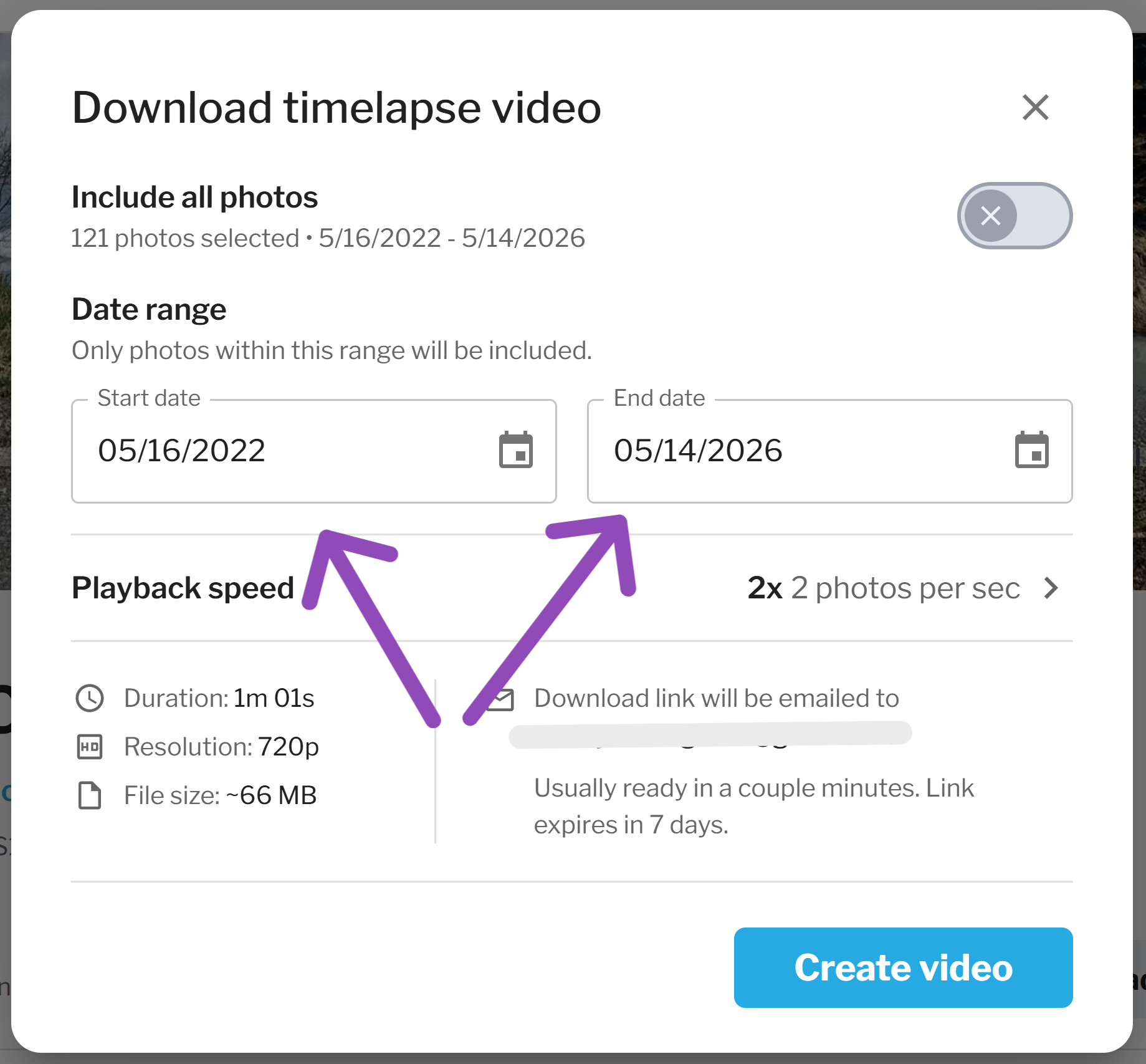
- Edit your date range by using the 'Include all photos' toggle.
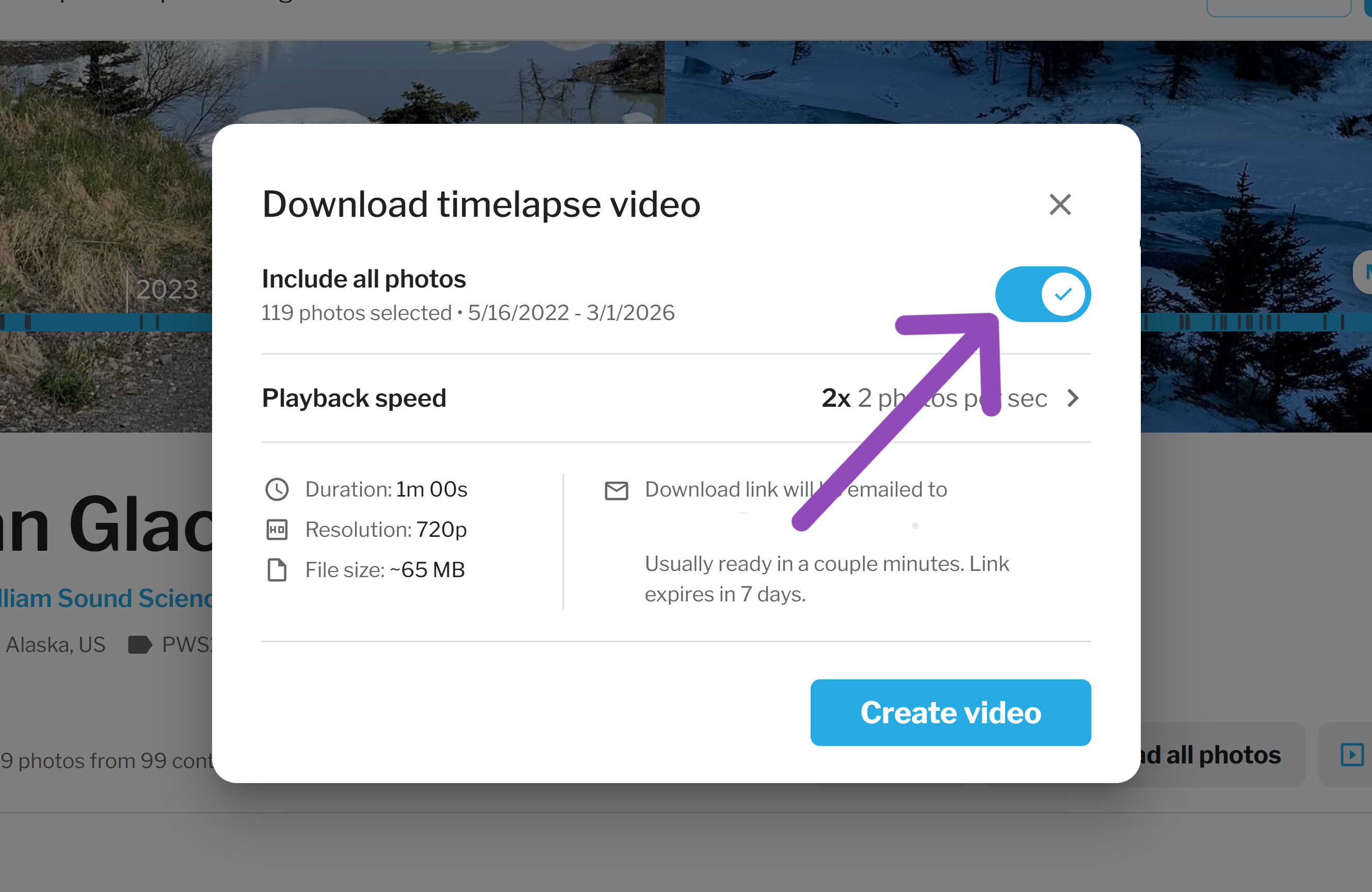
- Turn the 'Include all photos' toggle off, to choose your desired dates for your video.
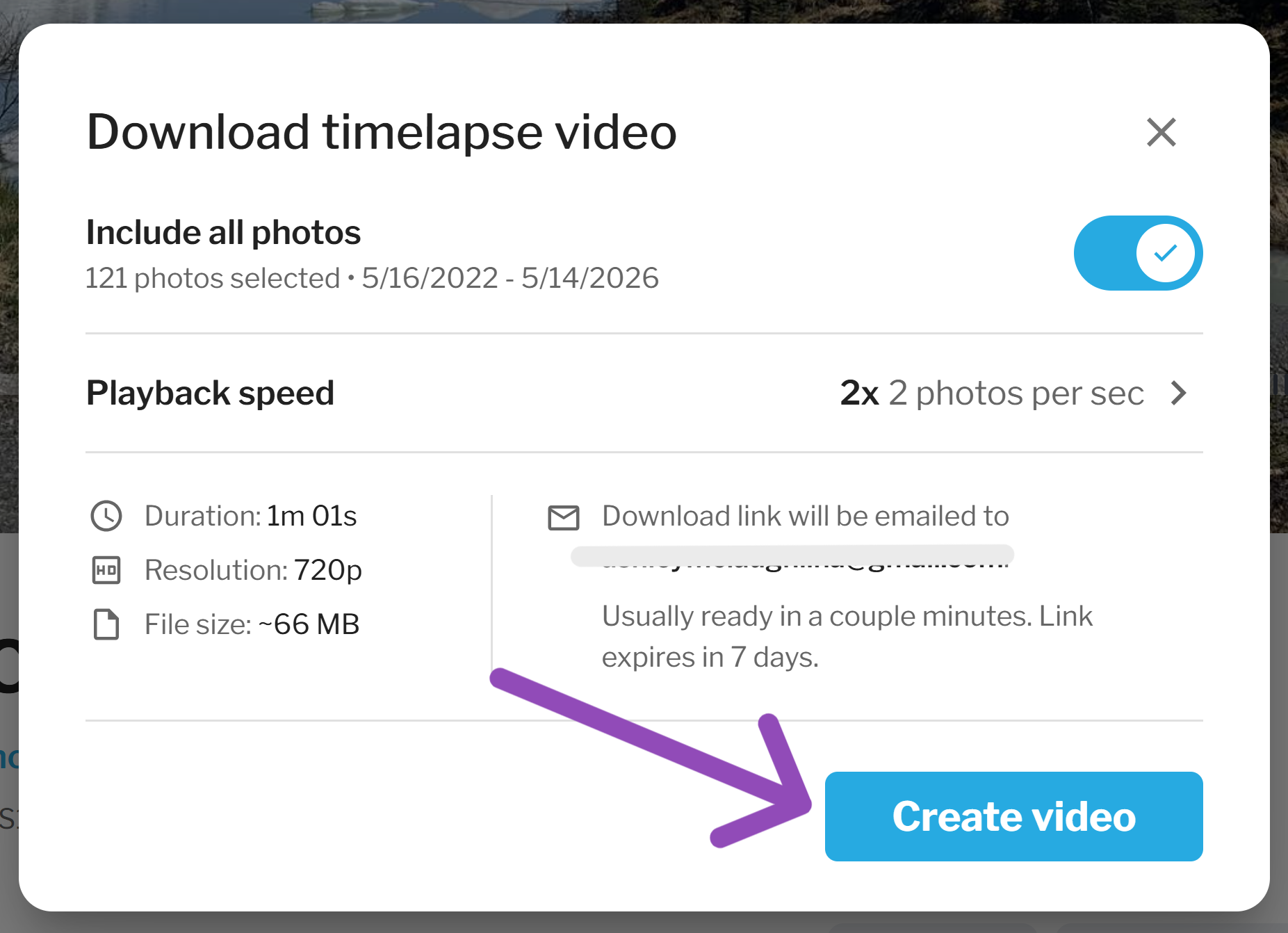
3) Click the 'Create Video' button.
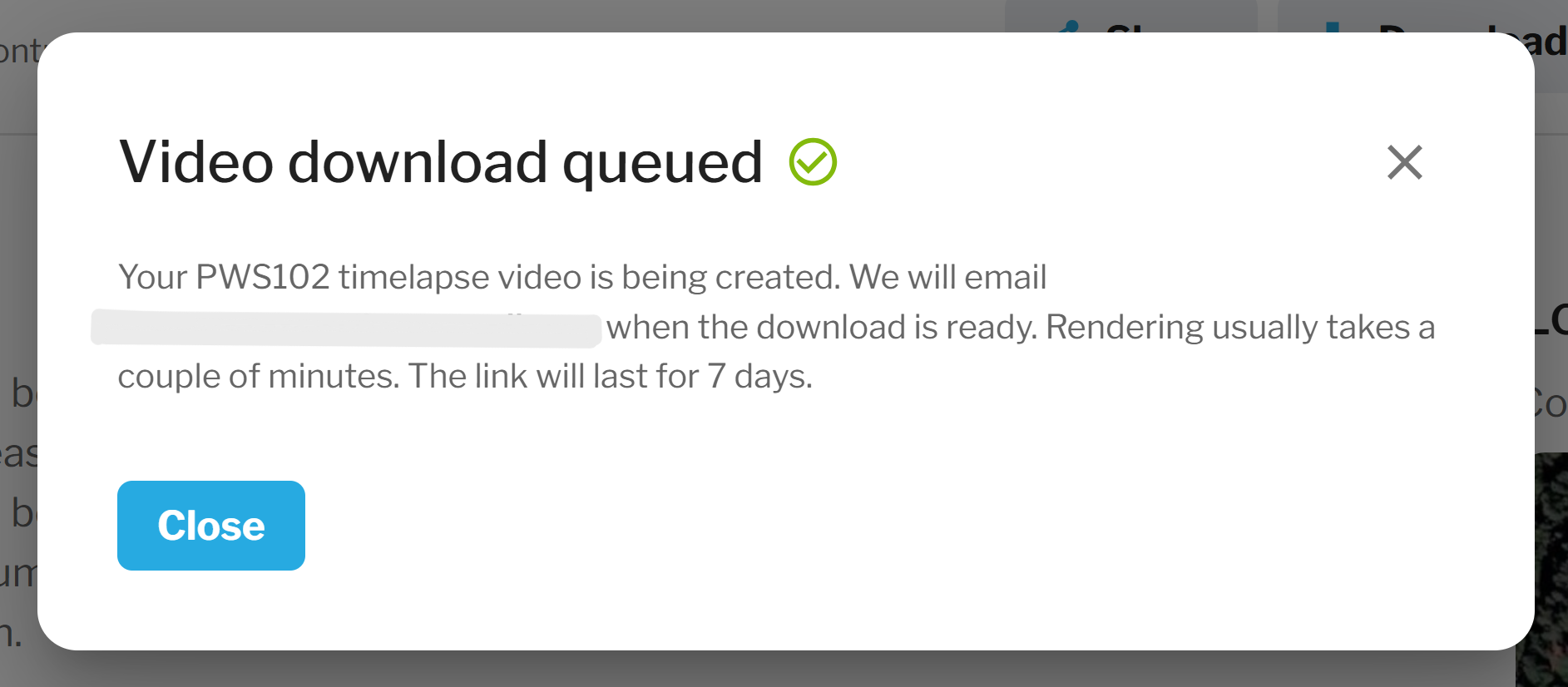
4) Click 'Close' to exit. Your download link will be emailed to you shortly after!
5) You will receive an email with your download link.
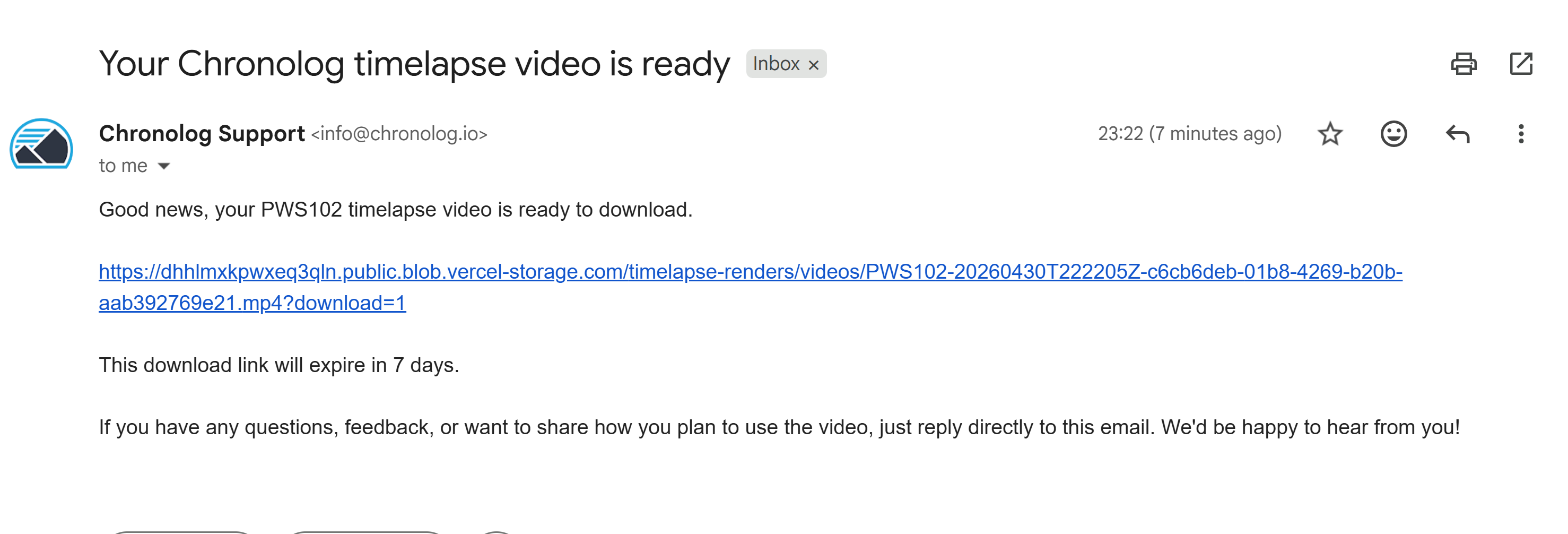
Please note: You will have 7 days to download your video.